 Vinea
VineaMigrate from SwitchyOmega to Vinea
SwitchyOmega is an excellent proxy switcher but its maintenance cost is high. This post gives a 4-step path from SwitchyOmega to Vinea, with a rule migration mapping table and FAQ.

Mu Chen
Product & Content Lead
Contents
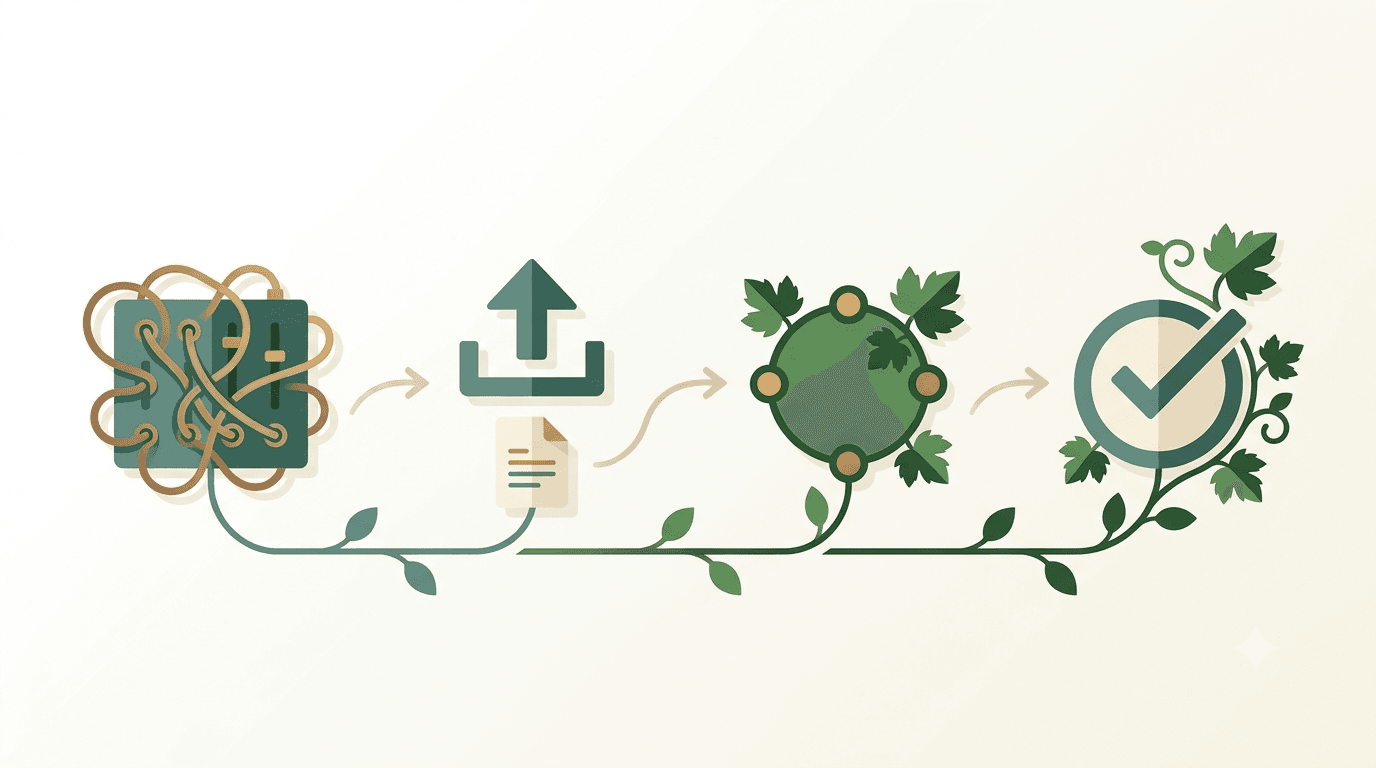
SwitchyOmega is an excellent proxy switcher, but its maintenance cost grows over time — you have to update domain rule lists yourself, write PAC files yourself, and reconfigure everything on each new device. If you've decided to migrate to Vinea, the whole process is simpler than you'd think — 4 steps.
This post gives you the full migration path with a mapping table.
Step 1: Export your SwitchyOmega rules
In SwitchyOmega settings:
- Open SwitchyOmega options page
- Select "Omega Options" on the left
- Click "Generate PAC" to export current rules as a PAC file
- Or directly screenshot/record your commonly used domain rule list
After export, you'll have:
- A PAC file (if you used auto switch mode)
- Or a set of manually maintained domain rules
Step 2: Map them over in Vinea
Vinea's rule system is more concise — most SwitchyOmega configs map directly:
| SwitchyOmega | Vinea equivalent | Notes |
|--------------|------------------|-------|
| [direct] profile | Smart routing default | Domestic domains auto-direct, no config |
| [proxy] profile | Smart routing default | Foreign domains auto-via-proxy |
| auto switch rules | Smart routing + custom rules | Vinea auto-detects + you can right-click to add |
| PAC file | Not needed | Vinea has a built-in rule engine |
| Special domain → specific node | Custom node + domain rule | Configure in Vinea settings |
Migration actions:
- Install the Vinea extension
- Sign in and get the 3-day free trial
- If you have a self-hosted proxy server: Settings → Custom Nodes → Add
- If you have special domain rules: Settings → Domain Rules → Batch Import
Step 3: Pause SwitchyOmega, test Vinea
Don't enable both extensions at once during migration (they'll override each other's chrome.proxy.settings). Recommended:
- In SwitchyOmega, select "Direct connection" (temporarily disable)
- Open Vinea, confirm smart routing works
- Test common sites:
- Domestic: Feishu, Taobao, Zhihu (should direct, normal speed)
- Foreign: Google, YouTube, ChatGPT (should proxy, accessible)
- Custom rules: your added special domains (should follow rules)
- Adjust in Vinea's Domain Rules panel if anything's off
Step 4: Uninstall SwitchyOmega
After 1-2 weeks of Vinea working normally, you can uninstall SwitchyOmega:
- Right-click SwitchyOmega icon → Remove from Chrome
- Delete local PAC files (keep backups if you have them)
- Refine domain rules in Vinea
Migration mapping table
| What you did in SwitchyOmega | How to do it in Vinea | |------------------------------|----------------------| | Switch to a profile | Select node in Vinea popup (Vinea auto-routes, usually no need to switch) | | Add a domain via proxy | Right-click page → Add to Proxy List | | Add a domain direct | Right-click page → Add to Direct List | | Maintain PAC file | Not needed, Vinea has a built-in rule engine | | Multi-Profile setup | Use Chrome Profile isolation, each Profile has independent Vinea config |
What changes after migration
Most users notice three differences after migrating from SwitchyOmega to Vinea:
-
No more rule toggling. SwitchyOmega's auto switch mode required you to remember "this site needs the proxy profile, that site needs direct" — and when you got it wrong, pages would hang or fail. Vinea's smart routing handles this automatically; you stop thinking about which profile to use.
-
Domestic sites get faster. Under SwitchyOmega's global proxy profile, every site went through the proxy — including domestic ones you didn't want proxied. Vinea's bypass list keeps domestic traffic direct, so Feishu, Taobao, and local services run at full speed instead of being throttled by your proxy bandwidth.
-
No more server maintenance. If you were running your own Shadowsocks or V2Ray server, that meant keeping a VPS alive, renewing SSL certs, monitoring bandwidth, fixing downtime. With Vinea's built-in nodes, that operational burden disappears — Vinea handles node maintenance, you just use it.
The trade-off: you lose fine-grained per-profile proxy control. If you genuinely need different domains routed through different proxy servers (a niche setup most users don't have), SwitchyOmega's flexibility is still superior. For everyone else, Vinea's smart routing covers 95% of cases with zero configuration.
FAQ
Can I switch back to SwitchyOmega during migration?
Yes. In the Vinea popup, click "Pause smart routing" to temporarily disable Vinea's rules, and SwitchyOmega's config takes over. Once you're sure everything works, fully uninstall SwitchyOmega.
What does SwitchyOmega's "auto switch" mode correspond to in Vinea?
It corresponds to Vinea's smart routing mode. SwitchyOmega's auto switch requires you to manually maintain domain rule lists, while Vinea's smart routing auto-detects domestic vs. foreign domains — no maintenance needed.
I have a lot of custom domain rules — can I batch import them?
Yes. Vinea Settings → Domain Rules → Batch Import supports a text format of one domain per line. SwitchyOmega's rule export can be pasted in after minor format adjustments.
For a full comparison between Vinea and SwitchyOmega, see Vinea vs SwitchyOmega: Which One Should You Pick.
New users get a 3-day free trial after install — experience the convenience of smart routing yourself.
Try Vinea Free
Smart routing, zero background processes, works right after install. New users get a 3-day free trial automatically.
Related posts
SwitchyOmega is a classic proxy switcher; Vinea is a smart-routing extension. This post compares them across nodes, rules, privacy, and onboarding to help you choose.
2026-07-08 · 6 min read
Learn how to use Vinea's Domain Rules to add custom proxy or direct rules for any website — right from your browser's context menu.
2026-06-08 · 4 min read